
Sat 1/18
It has never been easier! Stay up-to-date on all of the fun CoolCleveland videos with just the click of a button. Download CoolCleveland Mobile and gain instant access to all of the CoolCleveland videos, the new CoolNeighborhoods Tab, and so much more. To See videos on your mobile device, simply click on the Video Tab, and find you’re favorite video.
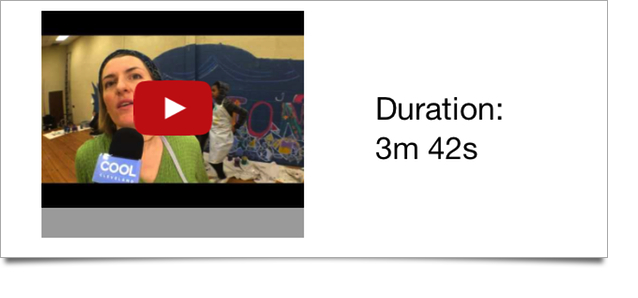
For this demonstration we are going to be using the Slavic Village Mural Video, so if you would like to follow along go ahead and click on that video, and pull up the next window. On the next window you will see the video, a brief description, and plenty more cool functions.
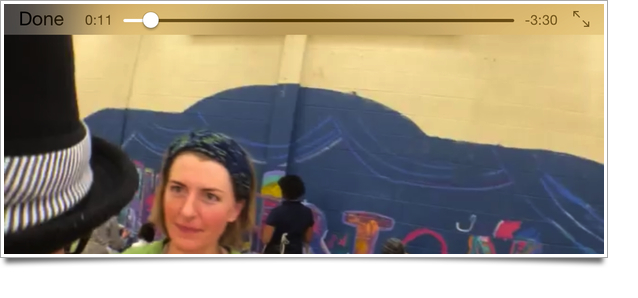
Once you click on the video CoolCleveland Mobile will begin to play the featured selection. You can either watch the video in the upright canvas mode, or by tilting your screen, you can switch to viewing the video in landscape mode, as shown above.
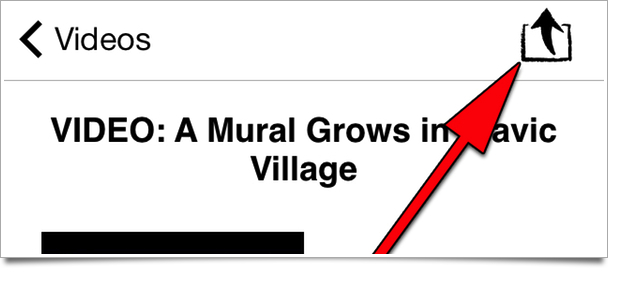
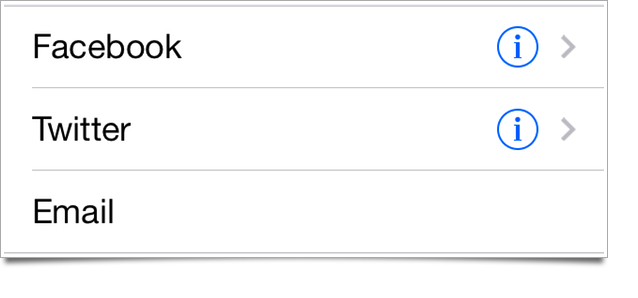
One of my favorite functions is the Share Function! Once you enter the main window of a video, you can find this neat little button hiding in the top right corner of the screen. Clicking on the button will bring you to a new screen, that gives you easy access to sharing the video onto your Twitter, Facebook, email etc.
It’s as easy as that! Have fun discovering all of the fun videos that CoolCleveland has to offer. You will probably be hearing Thomas’ voice in your head for the next month after the first couple minutes, so go easy at first! Be sure to stay tuned to CoolCleveland for Cleveland News, Events, and Mobile Developments. Have a great week everyone.